

Patient portal
Via our patient portal Spreekuur.nl you can easily and securely contact our practice online.
Through the portal you can, among other things:
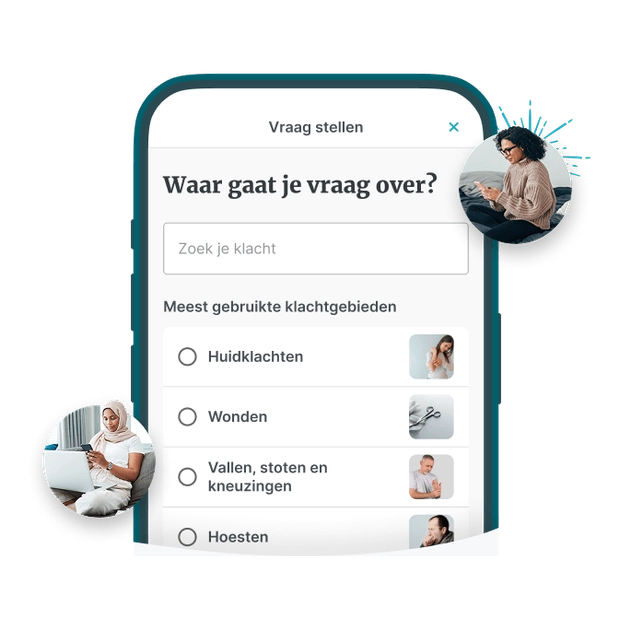
- ask your GP a non-urgent question
- send photos
- request repeat prescriptions
- view test results
The portal is NOT intended for:
- urgent medical questions
- scheduling appointments
- requesting a referral
Your question goes directly to the practice and is answered by the GP or the assistant. We aim to answer your question within 3 working days.
Click here to log in directly, or download the app via the buttons below.
Need help with registering and logging in?
Before you can use Spreekuur.nl, you must create an account. In the manual below, we explain how to do this.
Step 1
Download the Spreekuur.nl app on your phone.
Step 2
Register and create an account.
Step 3
Follow the instructions on the screen and have your DigiD ready.
Step 4
Activate your account with the code you receive by email.
Step 5
You are ready to use the app! Order repeat prescriptions via the app or ask your doctor a question.